Guide · 10 min read
How to set up your Google Business Profile
Categories, service areas, photos and reviews — how to set the listing up properly, and the mistakes that quietly bury it.
Why the listing matters more than the website
For most local trades, the Google Business Profile brings in more calls than the website does. It is the panel that appears on the right of a desktop search, and the three listings with a map that sit above the ordinary blue links on a phone. Most people call it the map pack. That is where the work comes from.
The website still does a job. It is what someone checks after they have seen your listing and want to know whether you look like a real business. But the order of work is worth getting right. A well-filled profile pointing at a plain website will out-earn a handsome website with no profile behind it.
The setup itself takes about half an hour. Verification can take a fortnight. So start the profile today and do the fiddly parts while you are waiting for Google to let you in.

Claiming the listing and getting verified
Before you create anything, search your business name and town. Google often has a listing already — auto-generated from other directories, or added by a customer who tried to leave you a review. If one exists, claim it. Creating a second one leaves two listings competing for the same business, and that is one of the more reliable ways to weaken both.
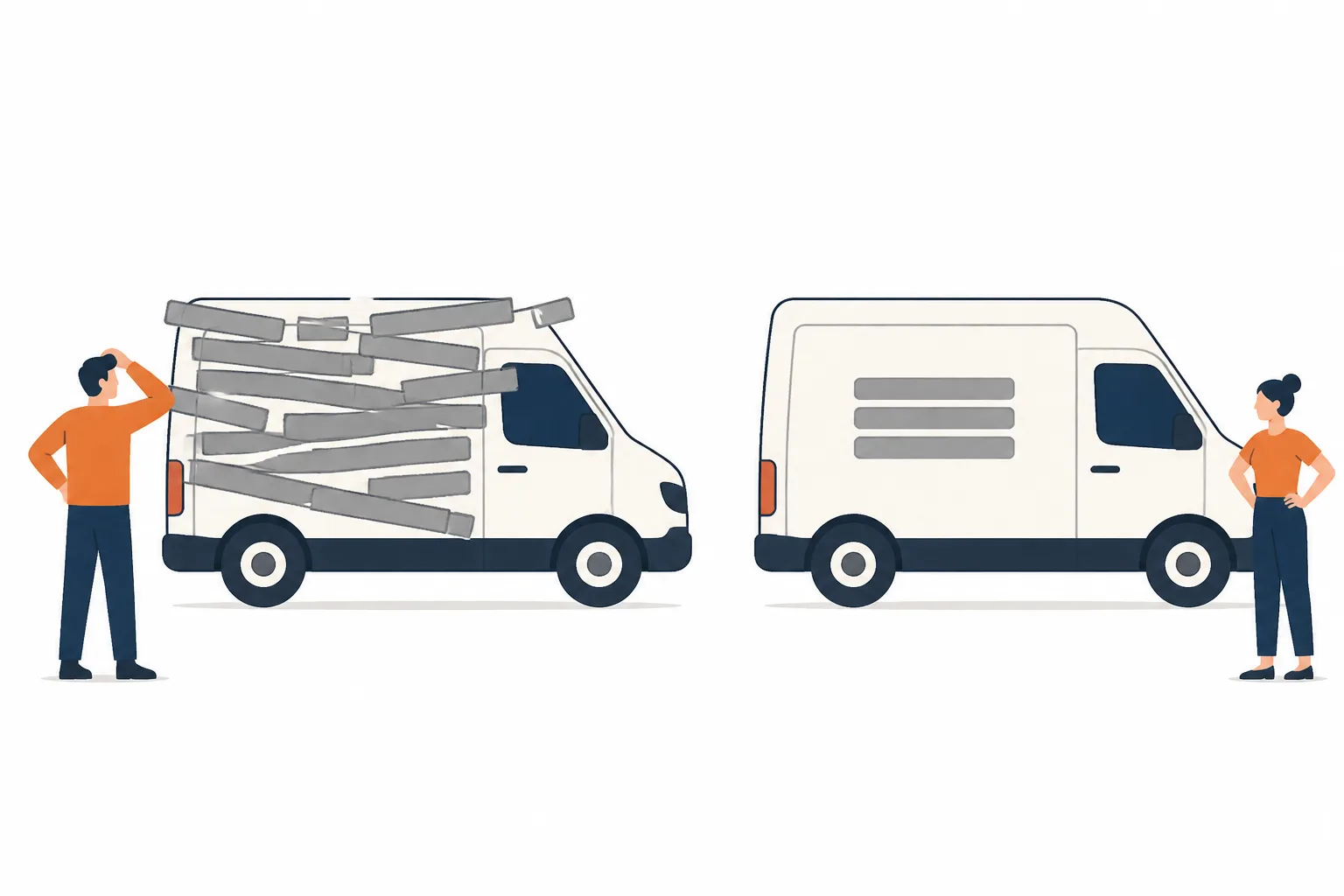
Verification is usually a video these days. You record one continuous clip on your phone without stopping: the van with your signage on it, your tools or stock, the street or the unit, and then something that shows you are the person running the business — an invoice book, the till, keys to the door. If you stop the recording and start again it gets rejected, and the next attempt takes longer.
Sole traders working out of a house sometimes assume they are not eligible. You are. You do not need a shopfront. You need to show the business is real, that it operates from where you say it does, and that you are the one in charge of it.
Note. Do not use a mailbox service or a virtual office to look bigger or to claim a town you do not live in. It breaches the guidelines, it is easy for Google to spot, and a suspension puts you back at the start of the verification queue.

Categories do more work than anything else
The primary category is less a description than a switch. It decides which searches your listing is eligible to appear in at all. Everything else — photos, reviews, posts — only affects where you place among businesses that already qualify. Choose it badly and none of the rest can rescue you.
Pick the category that matches the work you want more of, not the broadest one you can justify. A heating engineer who sets Plumber as primary and Heating contractor as secondary will surface for a different set of searches than one who does it the other way round. Neither is wrong. But if boilers pay your mortgage, be the boiler business.
Add secondary categories sparingly. Three or four, all things you would genuinely turn up for. A long list of loosely related ones does not widen your reach so much as blur what the listing is about, and it brings you leads for jobs you will end up turning down.
| Trade | Likely primary | Worth adding as secondary |
|---|---|---|
| Plumber | Plumber | Heating contractor, Drainage service |
| Electrician | Electrician | Electrical installation service |
| Roofer | Roofing contractor | Gutter cleaning service |
| Domestic cleaner | House cleaning service | Carpet cleaning service |
| Salon | Hair salon | Beauty salon, Barber shop |
| Mechanic | Auto repair shop | MOT testing service, Tyre shop |
| Gardener | Gardener | Landscaper, Tree service |
| Removals | Moving company | Storage facility |
Service area, address and opening hours
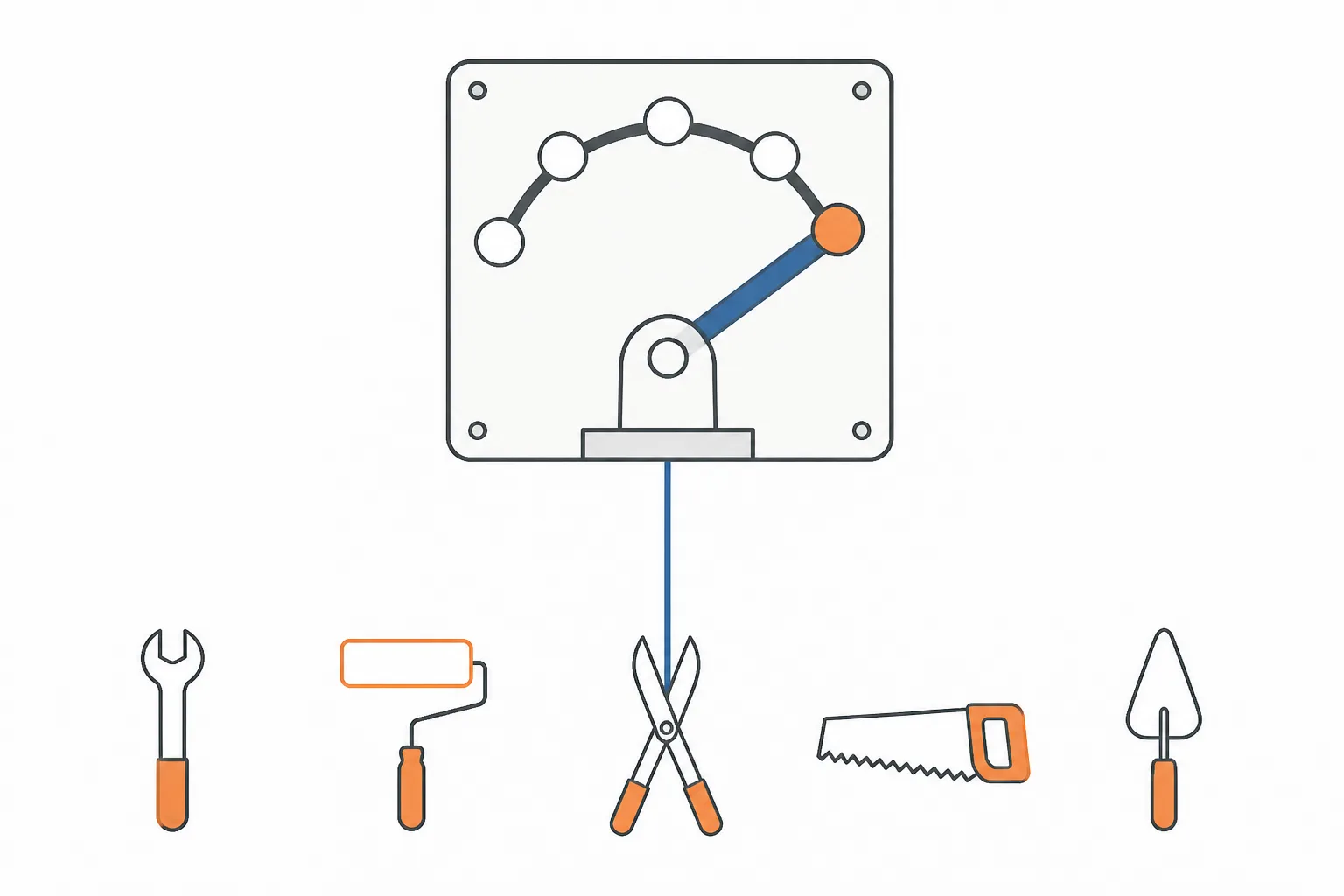
If customers do not come to your premises, hide the address. The guidelines require it, and a service-area business that leaves a home address showing usually ends up removed. You still enter the address during setup — Google needs to know where you are based — but you mark it as hidden and set service areas instead.
For service areas, name the towns and postcode districts you would actually drive to on a Tuesday. Google caps the list at twenty. Do not try to fill all twenty. Distance from the searcher to your registered pin remains a large part of how the map pack is ordered, so covering half a county does not make you visible across it. Being the obvious answer in six towns is worth more than being the fortieth result in thirty.
Hours should be true. If the listing says twenty-four hours and nobody picks up at two in the morning, you will collect a one-star review from someone with a burst pipe. Set special hours for bank holidays and the Christmas fortnight — Google flags listings whose hours it doubts, and a warning under your name is not what you want a customer to read.
- Name towns the way locals say them, not the council district.
- Include the postcode districts you cover if they are how people describe the area.
- Do not list a city you would only visit for a job worth £3,000.
- Set special hours before the holiday, not during it.
- Never mark yourself temporarily closed for a week off — it suppresses the listing, and switching back does not restore it instantly.

Photos, your services list, and posts
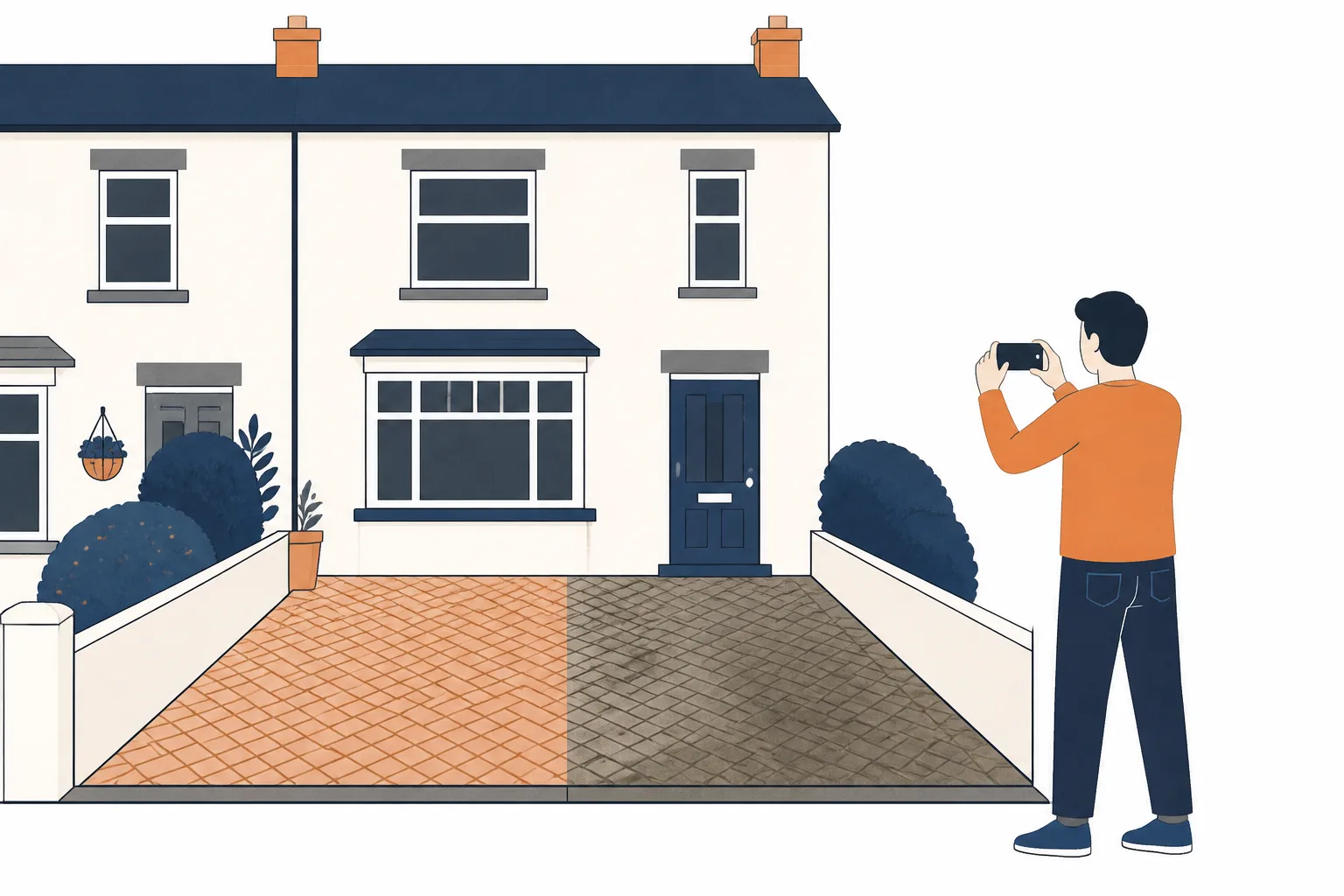
Photographs should be yours, taken on a phone, in daylight. Finished work is the most persuasive thing you can put up: the new consumer unit, the re-pointed ridge, the drive after the jet wash. A picture of your van parked outside an ordinary terraced house does more than any stock image, because it looks like the street the person searching lives on.
Ignore anyone selling you geotagged photo uploads. Google strips the location data out of images when they are uploaded, so it does nothing. What does matter is that the newest photo is recent. A listing whose last picture is three years old reads as a business that may have stopped trading, and people scroll past it.
Fill in the services list properly. Each service gets a name and a short description, and it is the part of the profile most trades leave empty. It takes ten minutes and it gives somebody who taps through something concrete to read while they are deciding. Posts are the same idea in short form — a couple of lines about a job you finished last week with a photo attached. They drop off after a while, so treat posting as a small monthly habit rather than a task you tick off.
- Exterior: the van with signage, and you standing next to it.
- Six to ten finished jobs, one photograph each rather than five angles of one.
- Before and after pairs, where the before is genuinely bad.
- A face. Trades that show a person get called more than trades that show a logo.
- Nothing blurry, nothing taken at dusk, nothing with a competitor's van in shot.
How reviews actually affect the map pack
Google has said for years that local results are ordered on three things: relevance, distance and prominence. Distance you cannot change. Relevance is mostly categories, services and the words on your website. Prominence is where reviews sit, and it is the one lever you can pull every week.
Volume and recency count for more than a spotless score. A profile on 4.7 with sixty reviews, three of them from this month, is a stronger listing than a 5.0 with four reviews from 2023. Chasing a perfect average is also a trap — a wall of five stars with no detail reads as bought, and buyers are more suspicious than they used to be.
The text inside a review does work too. Someone writing "replaced our boiler in Caversham, came out the same day" has put the exact words other people type into a search into your listing, for free. You cannot script that, and asking customers to include keywords produces reviews that read like adverts. What you can do is ask them to say what the job was and where. That is a normal request and it produces the right sort of answer on its own.
Ask everyone, not just the ones you think will be kind. Filtering customers so that only the happy ones get a review link is against Google's policy and it is detectable. So is offering a discount, a prize draw or anything else in exchange. Reply to every review you get — a sentence is enough for a good one. For a bad one, reply once, state what happened plainly, offer to sort it, and stop. You are writing for the next person reading, not for the reviewer.
- Ask at the end of the job, in person, while the relief is fresh.
- Send the short review link by text the same day — a link nobody has to hunt for gets used.
- Ask them to mention the job and the town, not to say anything nice.
- Aim for a steady two or three a month rather than twenty in one week.
- Never pay for reviews, never gate them, never write them yourself.
The mistakes that quietly suppress a listing
Most listings that underperform are not being punished for anything dramatic. They are carrying two or three small problems that each cost a little, and the owner has no way of knowing because Google does not tell you. The list below covers the ones that come up again and again.
The stuffed business name deserves a mention on its own, because it is the most tempting. "Dave's Plumbing — Emergency Plumber Reading 24/7" does sometimes rank while it lasts. It also breaks the guidelines, and competitors report it, and when it is corrected you can lose the listing entirely. Your business name on the profile should be the name on the side of the van and nothing else.
Check the profile once a quarter. Google adds fields, customers submit edits to your hours, and suggested changes sometimes go live without much of a warning. Ten minutes every few months keeps it honest.
- Keywords or towns crammed into the business name field.
- A duplicate listing from a previous owner, an old address or a directory feed.
- A mailbox or virtual office standing in for a real base of operations.
- A name, phone number or address on the profile that does not match the website exactly.
- Blank services, no description, and no photograph added since the day it was verified.
- Changing the name, address and primary category all in one sitting, which tends to trip a manual review.
- Marking the business temporarily closed instead of setting holiday hours.
Note. If the listing is suspended, do not create a new one. A second profile makes reinstatement harder. Appeal the original, and keep the paperwork that proves the address — a utility bill, insurance certificate or vehicle registration.
Common questions
- How long does verification take?
- Video verification is often reviewed within a few days, though a fortnight is not unusual and busy periods are worse. Postcard verification, where it is still offered, takes around two weeks before you can even enter the code.
- I work from home. Do I have to show my address?
- No, and you should not. Set the business up as a service-area business, enter your address so Google knows where you are based, then hide it and list the towns you cover instead.
- Can I get an unfair review taken down?
- Only if it breaks a policy — abuse, obvious spam, or a review from someone who was never a customer. Being wrong or harsh is not grounds for removal. Report it, then reply calmly, because the reply is what the next reader sees.
- Do posts help me rank?
- There is no solid evidence that posting moves you up the map pack. It does give the listing something recent on it, and people who are already looking at your profile read them, so treat it as a way of converting attention rather than winning it.
- Does the profile need to match my website?
- Yes, and exactly. The business name, phone number and address should be written identically in both places, down to the punctuation. Inconsistency between them is one of the more common reasons a listing underperforms.